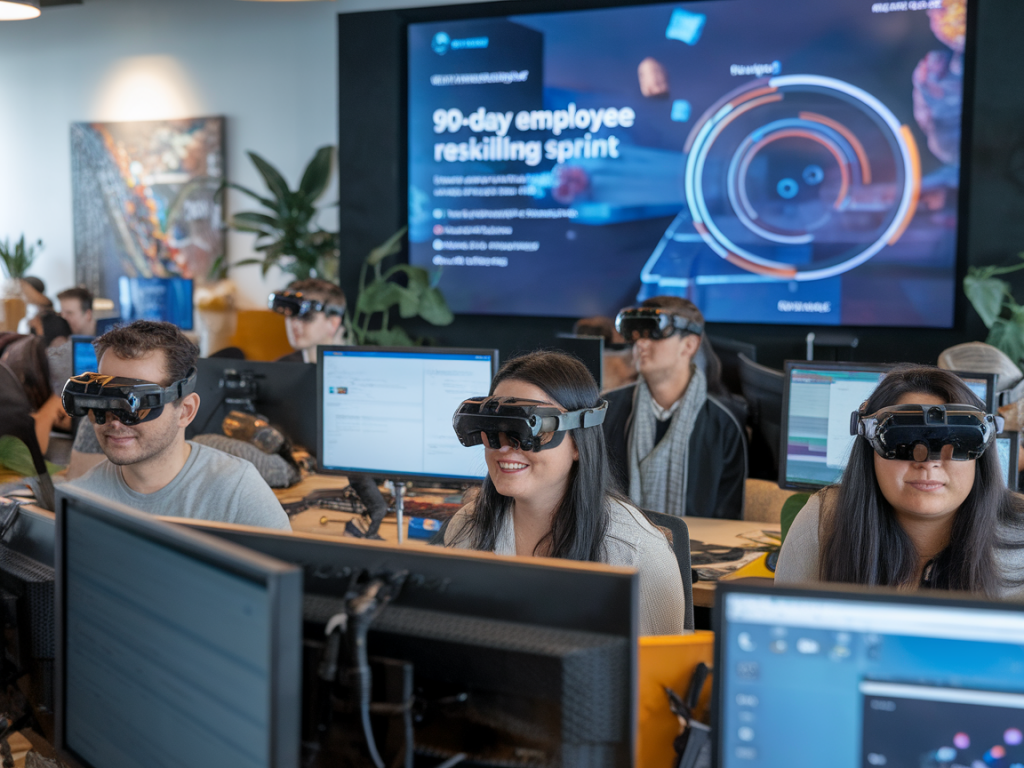
When I decided to run a 90-day employee reskilling sprint using augmented reality (AR), my goal was simple: cut onboarding time by half while ensuring new skills stuck and translated into measurable performance. We’d experimented with e-learning and mentorship programs before, but AR offered something those formats couldn’t—immersive, contextual learning that employees could practice in the exact environments where the work happens.
Why a 90-day sprint?
I chose a 90-day window because it’s long enough to build meaningful capability but short enough to maintain organizational focus and momentum. Ninety days forces prioritization: you must pick the high-impact skills, create bite-sized AR experiences, and measure outcomes quickly. It also fits typical business cycles—three months aligns with quarter planning and makes it easier to secure stakeholder buy-in.
Defining scope and success metrics
Before touching any AR hardware, we defined clear outcomes. That clarity saved time and money. Our top-level goals were:
We translated these into KPIs:
Choosing the right roles and skills
Not every role benefits equally from AR. I focused on roles where spatial understanding, procedural steps, or physical equipment handling matter—maintenance technicians, warehouse operators, and field service reps. For knowledge workers, AR still helped for complex workflows (e.g., equipment overlays for sales demos), but the biggest wins were with hands-on roles.
Designing AR learning experiences
Effective AR learning isn’t flashy demo reels—it’s microlearning embedded in real workflows. We designed experiences in three layers:
We used a mix of in-house SMEs and a small AR vendor team. For tooling, we evaluated platforms like PTC Vuforia, Scope AR, and Unity with AR Foundation. We prioritized:
90-day roadmap (high level)
Here's the sprint cadence I followed. Each week had a clear deliverable to keep stakeholders aligned.
| Weeks | Focus | Deliverable |
|---|---|---|
| 1–2 | Discovery & design | Role maps, prioritized task list, tech stack decision |
| 3–6 | Rapid prototype | AR MVP for 1 task per role; initial pilot content |
| 7–10 | Pilot & iterate | Feedback loop, performance metrics, revised content |
| 11–13 | Scale deployment | Full AR modules for prioritized tasks, LMS integration |
Team and roles
Across companies I’ve worked with, the right mix is small and empowered:
I made sure the learning lead had authority to iterate content quickly. Bureaucratic sign-off killed speed.
Deployment & hardware strategy
Hardware choices matter. Headsets like HoloLens give hands-free immersion and are ideal for technicians, but they’re costly. We took a hybrid approach:
Also ensure offline mode for sites without reliable connectivity and a charging/management plan for devices.
Integration with existing workflows
AR should plug into what people already use, not replace it. We integrated AR modules with our LMS and single sign-on (SSO) so course completion fed into HR systems. Field technicians could launch an AR checklist from the same ticket in our service management tool, ensuring training and work remain connected.
Assessment and feedback loops
To hit the 50% onboarding reduction, continuous measurement mattered. Our assessments included:
We established an operations dashboard with real-time KPIs and a weekly review meeting. That allowed rapid course-correction—if a task’s error rate didn’t drop within two weeks of rollout, we updated the AR prompts or added a micro-scenario.
Common pitfalls and how I avoided them
From my experience, the biggest risks are scope creep, underestimating content creation time, and poor change management. Here’s how I mitigated them:
Cost considerations and ROI
AR is an investment. Initial costs include content creation, devices, and platform fees. But we modeled ROI conservatively:
In our sprint, a 50% cut in onboarding for a cohort of 30 hires paid back the AR investment within nine months when you include reduced supervision time and fewer on-the-job errors.
Scaling beyond 90 days
After the sprint, I didn’t stop. We created a playbook: templates for AR modules, SME interview guides, and a data schema for tracking. This allowed scaling to other roles with much lower lead times. We also expanded to blended programs—combining AR with short mentorship check-ins and adaptive microlearning reminders via mobile push.
If you’re planning a similar sprint, my advice is pragmatic: start small, measure ruthlessly, and keep learners at the center. AR can cut onboarding time dramatically, but only if experiences are contextual, assessments are rigorous, and the organization commits to rapid iteration.